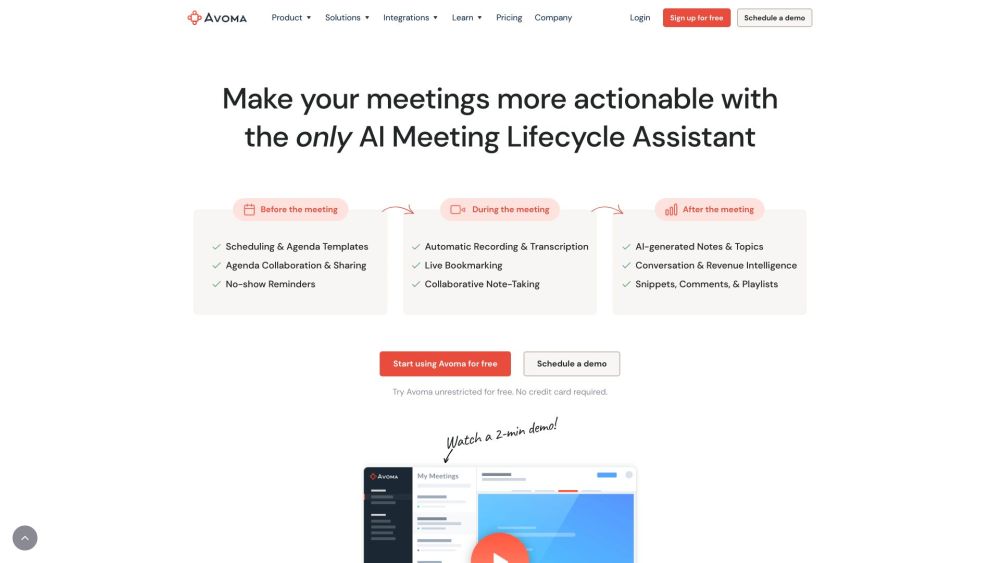
Avoma Product Information
What is Avoma?
Avoma is an end-to-end AI meeting assistant that automatically transcribes, summarizes, and analyzes every meeting to provide actionable insights, high-quality notes, and more. It functions as an all-in-one platform for note-taking, scheduling, call coaching, CRM updates, conversation intelligence, and revenue intelligence.
How to use Avoma?
Avoma automates your meeting workflow. Simply schedule your meetings and record them; Avoma will then handle the transcription, summarization, and insight generation. You can also integrate the platform with your CRM and other tools to streamline your processes.
Avoma's Core Features
- AI Meeting Assistant
- Scheduler & Lead Router
- Conversation Intelligence
- Revenue Intelligence
- Automated Note-taking
- Meeting Transcription
- AI Generated Notes
- Live Bookmarking
- Speaker Identification
- Topic Detection
- Keyword Tracking
- CRM Updates
Avoma Use Cases
- #1Automate note-taking and follow-up emails after meetings.
- #2Schedule qualified meetings and route leads efficiently.
- #3Improve win rates with automated call scoring and coaching.
- #4Increase quota attainment with AI-powered deal risk alerts.
FAQ from Avoma
Can I purchase only the features I need?
Yes, you can pay specifically for the features you require.
Can I use the AI note-taker for CRM updates without including coaching features?
Yes, you can.
Can I try all of Avoma's features for free without limitations or speaking to a salesperson?
Yes, you can test all Avoma features for free without any restrictions or the need to contact a salesperson.
Are view-only seats free, and can I pay only for the functionality I use?
Yes, view-only seats are free, and you only pay for the specific functionality you need.
What is a 'recorder' license?
A recorder license is for any user who needs to record and transcribe their meetings and calls. You only need to purchase a subscription plan for users who require recording and transcription capabilities.
Do I need to buy a subscription for every user invited to Avoma?
No, only users who record and transcribe meetings require a paid subscription seat. Viewers and collaborators can use the platform for free.
Do I need to provide payment details to sign up?
No. You can sign up and use Avoma for 14 days without entering payment information. At the end of the trial, you can choose to purchase seats and provide your payment details.
What functionality is included in the trial period?
During the 14-day free trial, you receive unrestricted access to the Avoma Organization plan, including all available add-ons.
Will I be charged automatically when the trial ends?
No. Since we do not require a credit card upfront, you will only be charged when you decide to proceed with a paid plan.
What happens after my trial expires?
Once your 14-day trial ends, your account will switch to a Viewer role. You will retain access to past recordings but will be unable to record new meetings unless you upgrade to a paid plan. You may also schedule a demo with our sales team.
Are there any setup or minimum platform fees?
No. There are no setup fees, minimum platform fees, or ongoing charges for customer support.
Can I purchase add-ons on a monthly basis if I have an annual subscription?
No, add-ons follow the same billing cycle as your primary subscription plan.
What is a listener or collaborator?
A listener or collaborator is any user who wants to listen to recordings, read transcripts or notes, or comment on team meetings. These roles are free of charge.
Are listeners and viewers free?
Yes. There is no charge for viewers, listeners, or collaborators to use Avoma.
Can I purchase different plan tiers for different team members?
No. All users who record meetings must be on the same subscription plan (Startup, Organization, or Enterprise). However, add-ons can be assigned individually to team members based on their specific needs.
Can we invite additional members during the trial?
Yes, you can invite as many team members as you like to your trial. We encourage this to help your team make an informed decision, as different members often find value in Avoma for their specific use cases.
How does adding or removing licenses work?
If you upgrade your plan or add licenses, the changes are pro-rated for the remainder of your billing cycle and billed immediately. If you downgrade or remove licenses, the change takes effect at the start of the next billing cycle. We generally do not offer credits or refunds for unused licenses or mid-cycle cancellations.
What if I need an extension on my trial?
We are happy to provide more time. Please email us at help@avoma.com to request a trial extension.
Do you offer any discounts?
We offer up to 33% off for annual billing paid upfront on base subscription plans. Additionally, you can save 10% when bundling any two add-ons, or 15% when bundling all three.
Can I save money by bundling multiple add-ons?
Yes! You can save 10% by selecting any two add-ons or 15% by purchasing all three. This discount applies only to add-on fees and not to the base subscription plan.
Avoma Pricing
Free
$0
Free plan available.
You Might Also Like
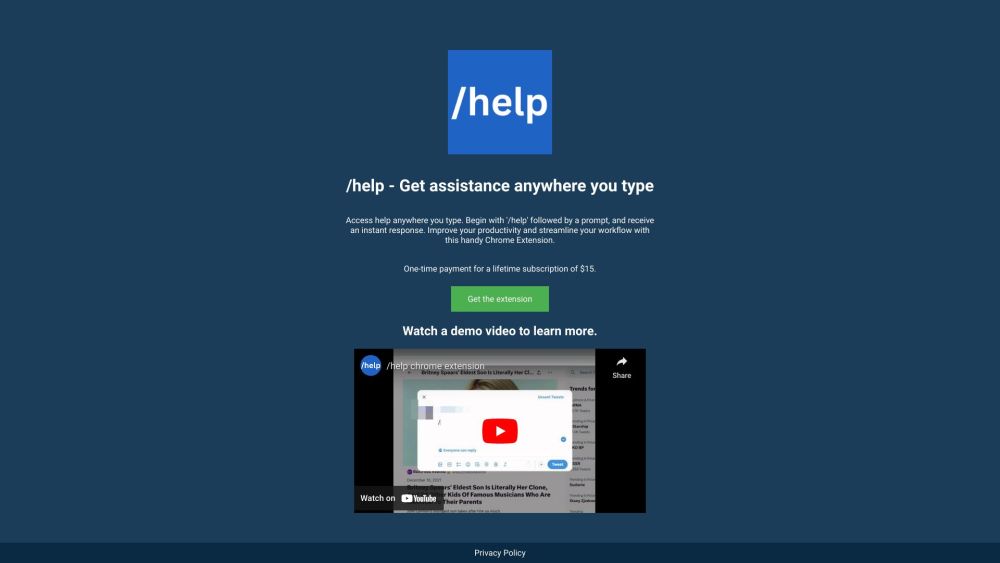
ChatGPT Extension
AI SummarizerThe ChatGPT Extension brings the capabilities of ChatGPT to any text field. After logging into chat.openai.com, simply navigate to any website, type '/help' followed by your prompt, and receive an immediate response to enhance your productivity.
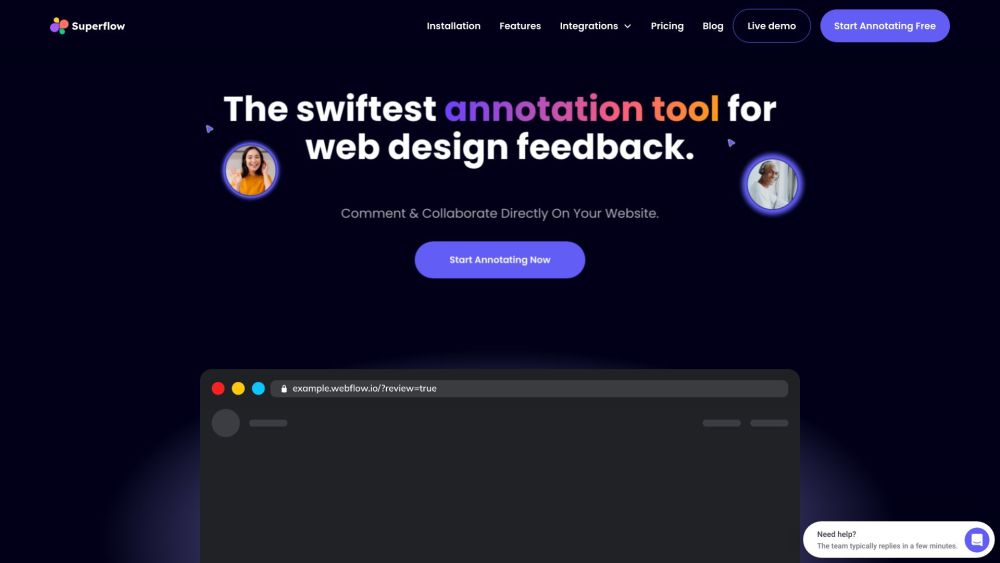
Superflow
AI MarketingSuperflow is a creative asset review and collaboration platform built to help agencies and marketing teams accelerate project delivery. It enables users to provide feedback on live websites, videos, PDFs, Lottie files, and images. Key features include rich annotations, media recording, live design reviews, and a GPT-4 AI Copilot for content rewriting, with integrations for ClickUp, Slack, Asana, and Webflow.
CircleChat
AI CharacterCircleChat is a platform where multiple AI personas engage, collaborate, and solve problems in real time. Users define an objective to receive diverse perspectives and solutions from AI agents. The platform also hosts discussions on topics including AI ethics, web development, the future of work, mindful technology, data science, and startup ideas.

Page not found
A comprehensive directory of AI tools and categories. Our list of AI tools and GPTs is updated daily.
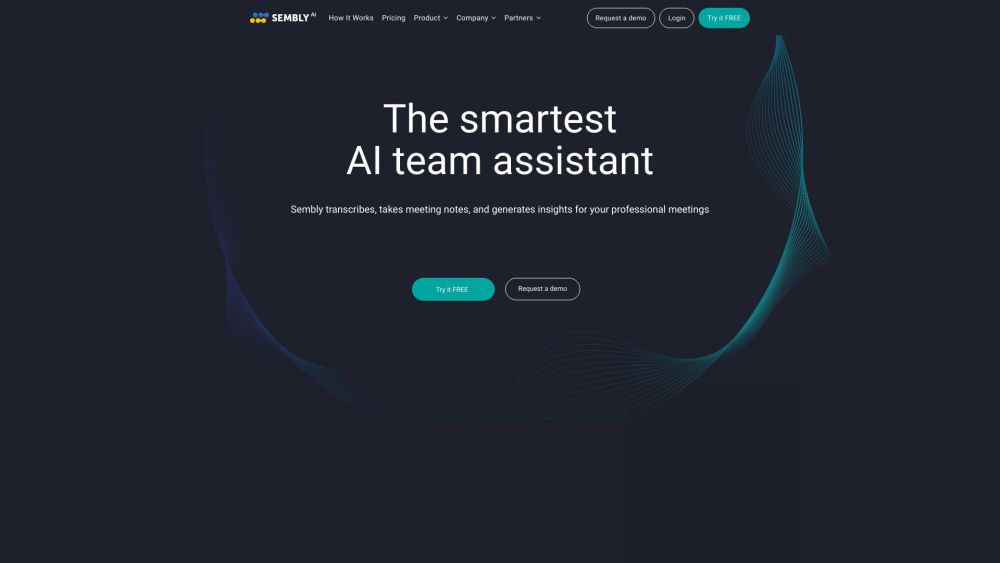
Sembly AI
AI SummarizerSembly AI is an intelligent meeting assistant designed to record, transcribe, and summarize your meetings. It integrates seamlessly with Zoom, Google Meet, Microsoft Teams, and Webex, providing features such as automated meeting notes, task tracking, and multi-meeting chat to improve team productivity and collaboration.
Page not found
Explore AI tools and categories within our comprehensive directory. Our list of AI tools and GPTs is updated daily by ChatGPT.
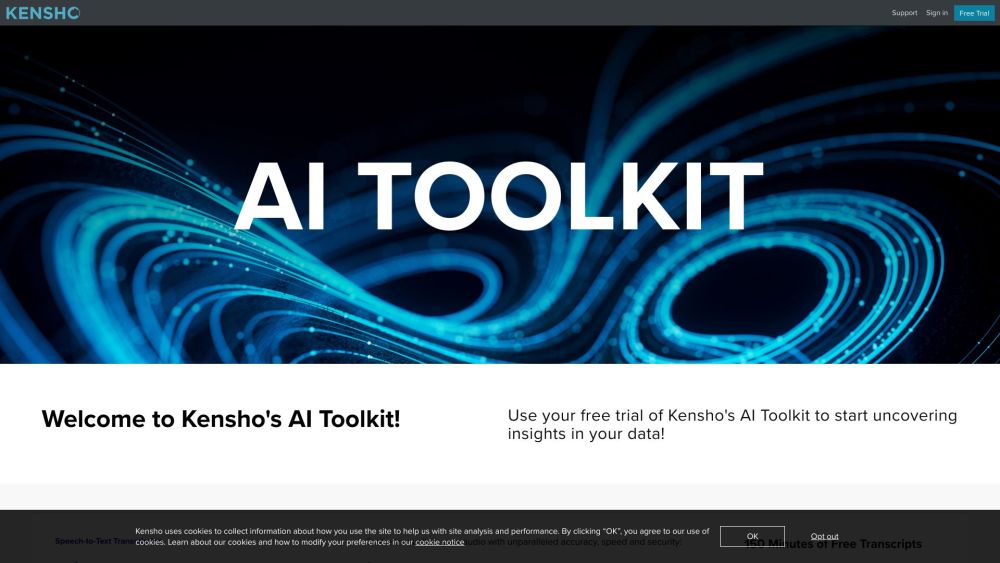
Kensho
AI TranscriptionKensho is an AI toolkit built to help users uncover data insights. It provides solutions for speech-to-text transcription, entity recognition, mapping companies to external databases, and extracting data from PDF documents. These tools are designed to automate workflows, enhance data quality, and speed up research.
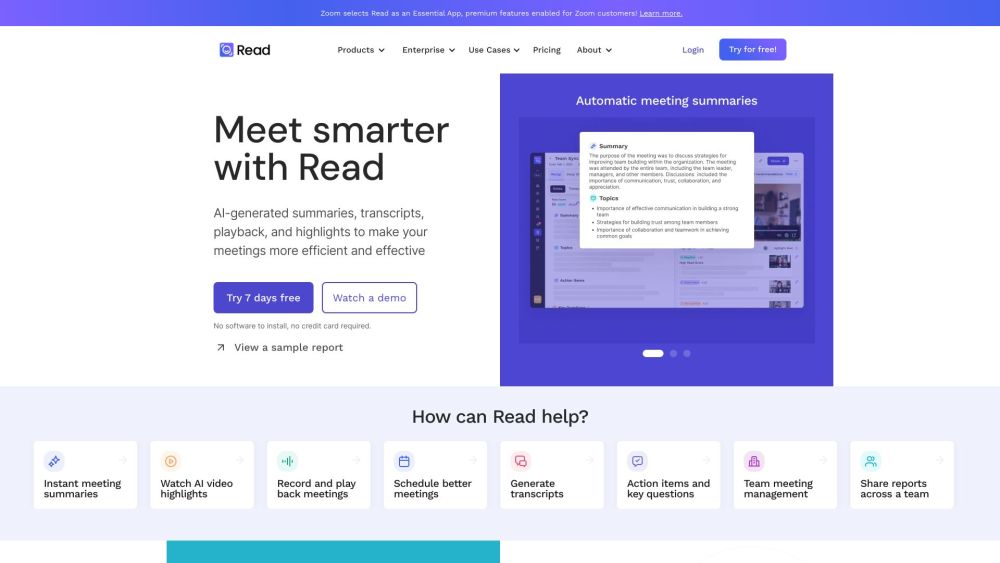
Read AI
AI SummarizerRead AI is an AI meeting assistant that provides real-time transcription, intelligent summaries, and AI-powered search across your meetings, messages, emails, CRM, and documents. It delivers actionable meeting insights for individuals, teams, and enterprises, featuring meeting reports, transcription, real-time notes, playback, a messaging copilot, and email summaries.
Avoma Reviews (0)
Review system coming soon...