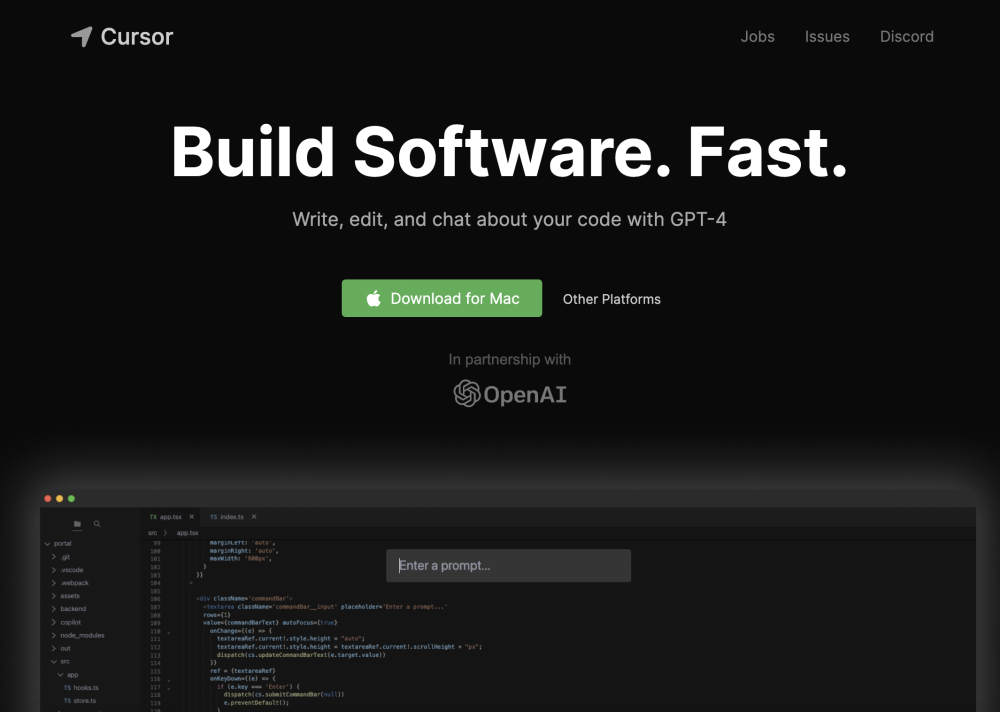
Cursor Product Information
What is Cursor?
Cursor is an AI-first code editor designed for pair-programming with powerful AI. It is built as a fork of VSCode, allowing for one-click migration of extensions, themes, and keybindings. Cursor aims to help engineers build software faster by providing features like AI-powered code completion, code generation, bug detection, and documentation browsing. It offers both local and cloud-based options, with a privacy mode to keep code local and secure.
How to use Cursor?
Download and install Cursor. Migrate your existing VSCode settings with a single click. Begin coding and utilize AI features such as chat, code generation, and bug fixing via prompts. Select between local mode for enhanced privacy or cloud-based mode for full functionality.
Cursor's Core Features
- AI-powered code completion and generation
- Chat with your project codebase
- Bug detection and fixing
- Documentation browsing
- One-click VSCode migration
- Local mode for privacy
Cursor Use Cases
- #1Generating code from scratch using simple instructions
- #2Editing existing code with AI assistance
- #3Debugging errors through AI-powered root cause analysis
- #4Answering questions about your codebase using AI chat
- #5Browsing documentation and code definitions directly within the editor
FAQ from Cursor
Who owns the code generated in Cursor?
You do. Whether you use the free, Pro, or Business version of Cursor, all generated code belongs to you and can be used for any purpose, including commercial projects.
What code do you store?
If you enable "Privacy mode," your code remains exclusively on your machine and is not used for training. Otherwise, we may collect usage and telemetry data, such as prompts, code snippets, or editor actions, to improve the service.
What are fast and slow uses?
Fast uses of premium models receive priority access. On the Pro plan, once you exceed your fast usage limit, you can continue using premium models, though your requests may be queued during periods of high demand.
Why isn't Cursor completely free?
Running large language models involves significant costs. To maintain sustainable growth and service quality, we charge for access to cover these operational expenses.
Cursor Pricing
Free
$0
Free plan available.
You Might Also Like
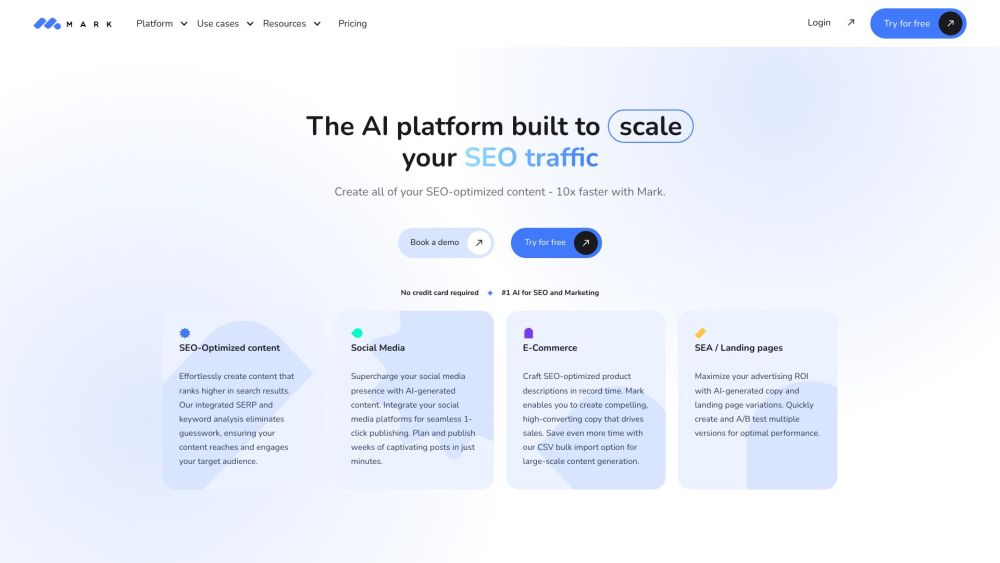
Mark Copy AI
AI CopywritingMark Copy AI is an AI-powered writing assistant designed to help users produce content that aligns with their specific brand voice. Featuring over 40 templates and utilizing GPT-3 technology, the platform emphasizes personalized AI to help users create engaging content that supports growth, avoiding the limitations of generic AI-generated text.
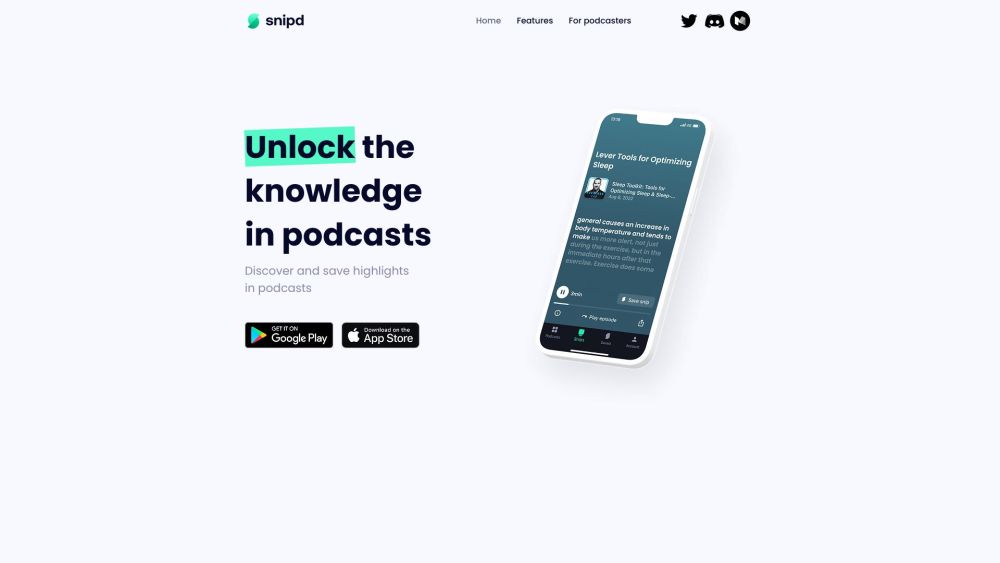
Snipd
AI PodcastSnipd is an AI-powered podcast player designed to help you capture insights, chat with episodes, and build a personal knowledge base. Key features include AI-generated transcripts, chapters, and summaries, alongside tools to highlight favorite moments and export them to platforms like Readwise and Notion. Users can also explore community-shared highlights, upload audiobooks and YouTube videos for AI processing, and utilize multi-language support.

4AiPaw by HitPaw
AI Art Generator4AiPaw by HitPaw is an AI art generator application that enables users to produce artwork from text prompts and various art styles. Key features include text-to-art generation, AI cartoon conversion for photos and videos, and tools for adjusting image size and saturation. Designed to be accessible to users of all skill levels, the app supports creative brainstorming, design automation, and the production of commercial artwork.
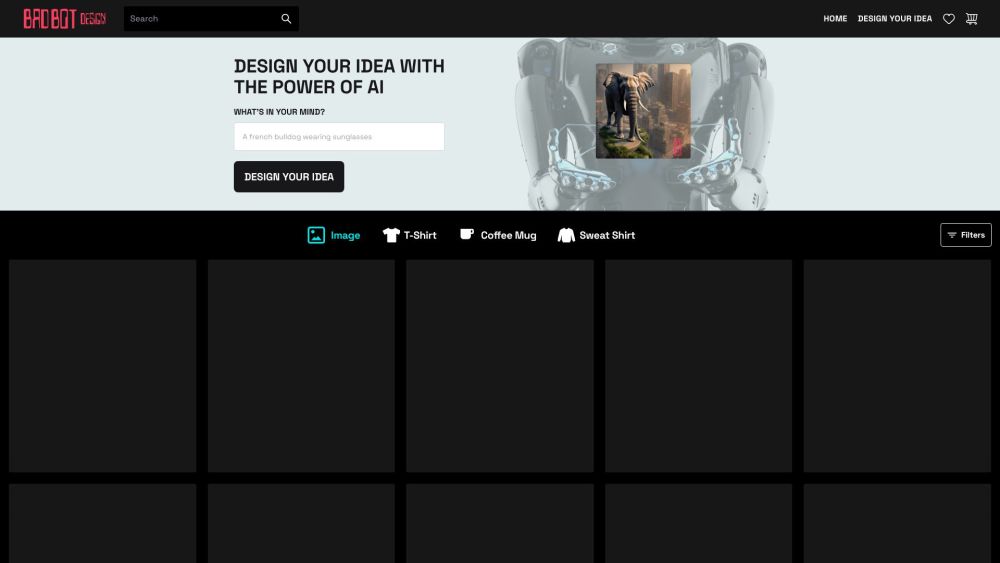
Bad Bot Design
AI Art GeneratorBad Bot Design is an AI-driven platform offering a collection of unique home decor and apparel featuring AI-generated imagery. Users can browse existing designs or request custom artwork from AI bots to be applied to products such as shirts, sweatshirts, and coffee mugs.

Page not found
A comprehensive directory of AI tools and categories. Our list of AI tools and GPTs is updated daily.
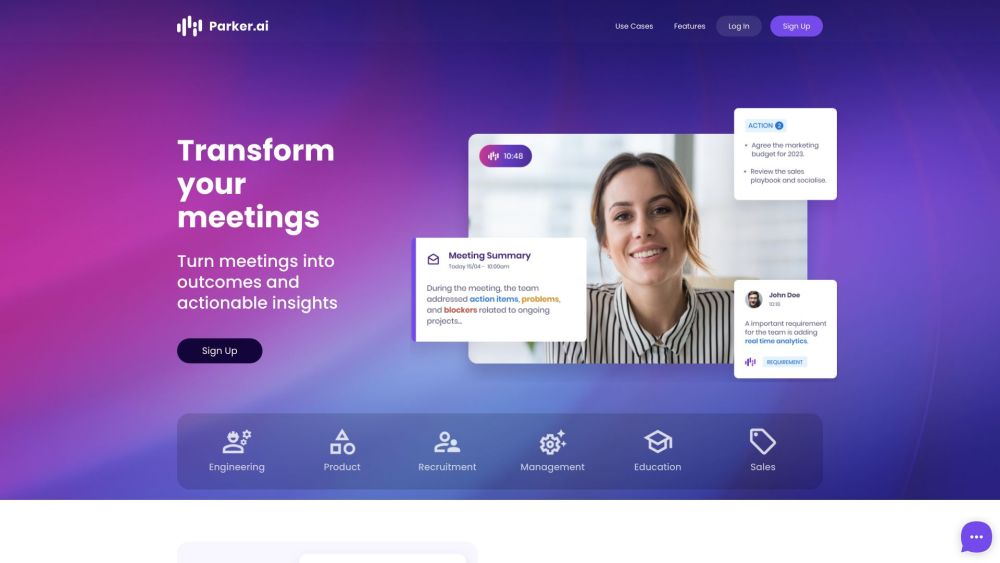
Parker.ai
AI TranscriptionParker.ai is an AI-powered meeting assistant that captures decisions, action items, and next steps in real-time. By integrating with video conferencing platforms and Slack, it generates meeting summaries, provides contextual insights, and helps teams share knowledge effectively. The platform is designed to boost meeting productivity, break down information silos, and increase engagement by ensuring meeting outcomes are accessible and actionable.
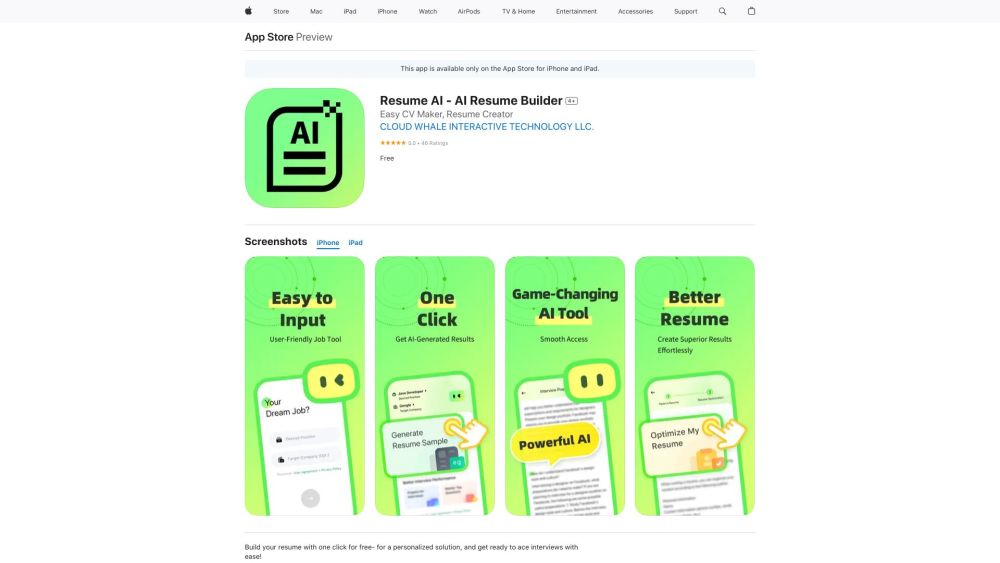
Resume AI
AI Writing AssistantsResume AI is an AI-assisted tool designed to help users build custom resumes and optimize existing ones. It also features mock interview practice to help users master common questions and prepare for potential employers. The application is available for download on the App Store for iPhone and iPad.
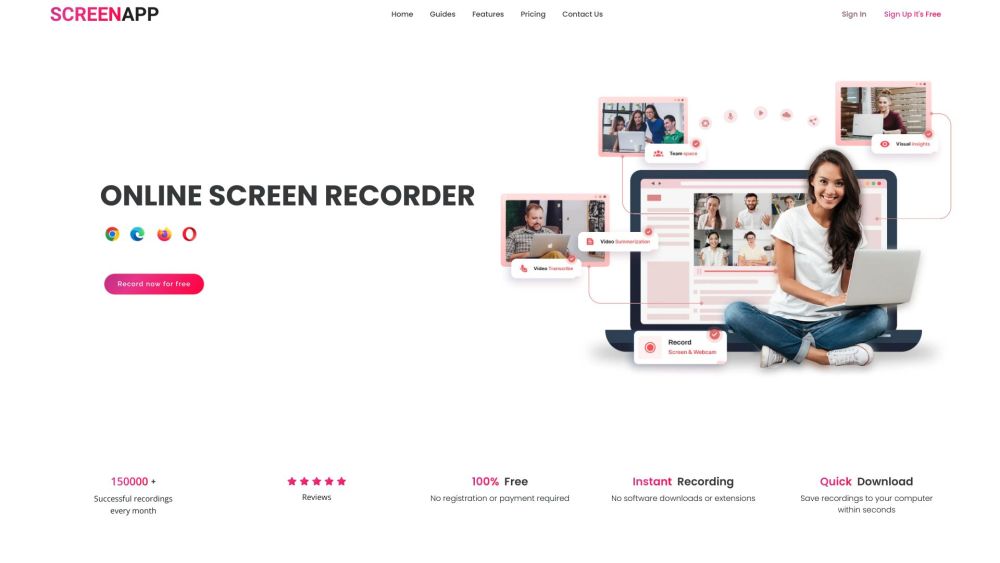
ScreenApp
AI TranscriptionScreenApp is an online tool that enables users to record screen, audio, and video content with a single click. By integrating AI, it automatically transcribes, summarizes, and takes notes on your recordings, serving as a practical solution for onboarding, training, and knowledge management.
Cursor Reviews (0)
Review system coming soon...