InVideo Product Information
What is InVideo?
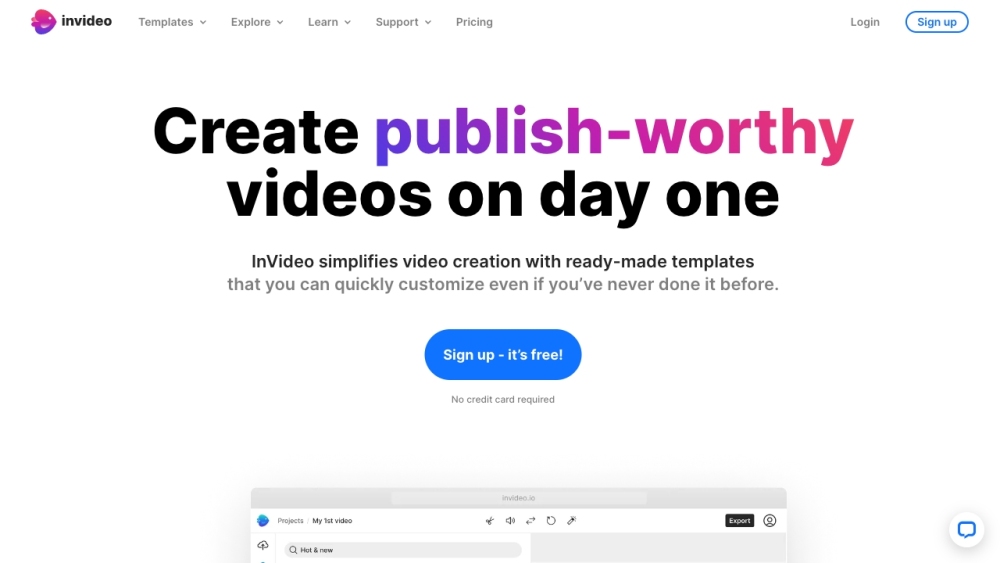
InVideo is an online video editor and video creator that empowers users to create professional-looking videos with ease. It offers a library of over 5,000 templates, transitions, and effects to help users create engaging videos quickly and efficiently, without requiring any downloads. InVideo simplifies video creation with ready-made templates that can be easily customized, even for users with no prior experience. It provides AI tools to boost productivity, such as AI script generation and text-to-video conversion. InVideo also offers access to 8M+ stock media assets, single-click shortcuts, and collaboration features.
How to use InVideo?
To use InVideo, select a template, upload your images and logos, edit and animate your content, and invite team members to collaborate. You can also utilize AI tools to generate scripts or convert text into video. The platform provides single-click shortcuts for tasks such as removing backgrounds, adding stock media, and applying brand colors and fonts.
InVideo's Core Features
- 5000+ professionally-created templates
- AI-powered text to video editor
- Access to 8M+ stock media assets
- Single-click shortcuts for editing
- Team collaboration features
- Mobile app for editing on the go
InVideo Use Cases
- #1Creating marketing videos for social media
- #2Turning blog posts into engaging video content
- #3Creating intro and outro videos for YouTube channels
- #4Making promotional videos for businesses
- #5Designing Facebook and Instagram video ads
FAQ from InVideo
Is InVideo AI included with my existing InVideo Studio plan?
No, InVideo AI and InVideo Studio are separate products with distinct pricing plans. Lifetime deal holders of InVideo Studio who purchased before August 15, 2023, may be eligible for free InVideo AI credits. Other InVideo Studio subscribers may receive introductory benefits for InVideo AI.
What happens after I cancel my subscription?
You retain access to your current plan's features until the end of your billing cycle, after which your account will be downgraded to the free plan. Only videos exported while on a paid plan can be re-downloaded without a watermark.
What should I do if I run out of my quotas mid-month?
You can upgrade your plan or add more seats at any time. You will receive a full month's worth of additional quota for the remainder of the month, with charges prorated for the rest of your billing cycle.
Will my exports, generation & iStock credits roll-over into the next month or billing cycle?
No, these quotas do not roll over. All quotas, including generations, iStock, and exports, reset and renew monthly based on your plan's activation date.
InVideo Pricing
Free
$0
Free plan available.
You Might Also Like
Sembly AI
AI SummarizerSembly AI is an intelligent meeting assistant designed to record, transcribe, and summarize your meetings. It integrates seamlessly with Zoom, Google Meet, Microsoft Teams, and Webex, providing features such as automated meeting notes, task tracking, and multi-meeting chat to improve team productivity and collaboration.
Dashworks
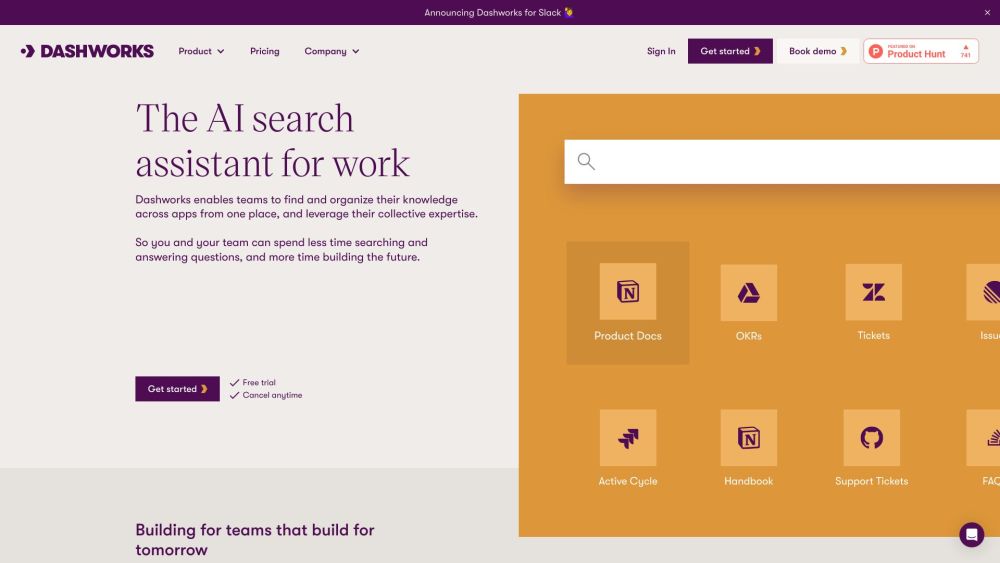
AI ChatbotDashworks helps teams centralize and organize knowledge across all their applications, enabling them to leverage collective expertise. By unifying company data into a single knowledge base, it allows users to ask natural language questions and receive instant, accurate answers. Dashworks provides AI-powered search and automated internal Q&A for organizations ranging from startups to Fortune 500 companies.
Color Pop
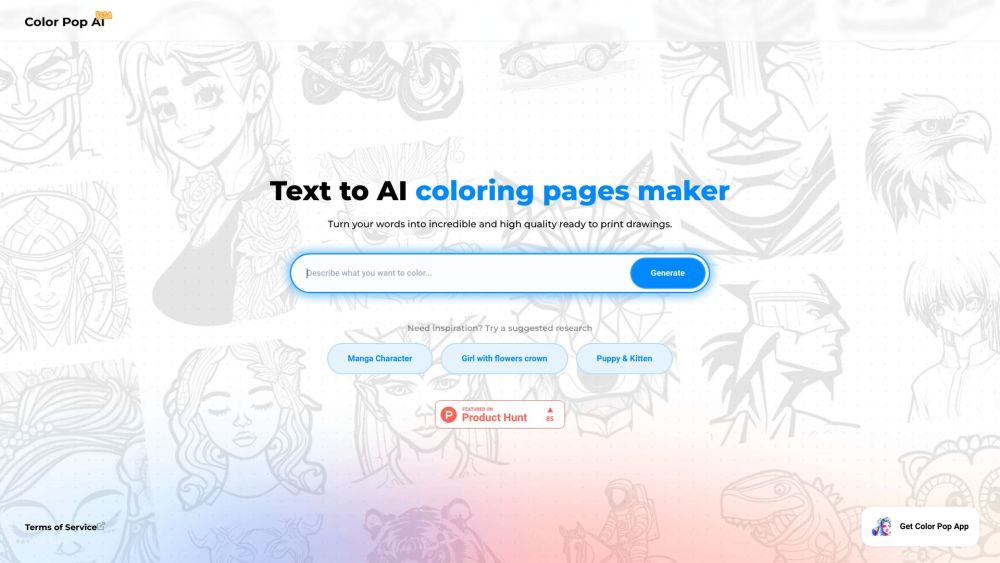
AI DrawingColor Pop is a digital coloring application that provides a realistic coloring experience on your mobile device. It includes an AI-powered tool for generating custom canvas images based on your prompts, allowing users to color their creations and share them with the Color Pop community. The platform offers an accessible and engaging environment for users to color freely and interact with other enthusiasts.
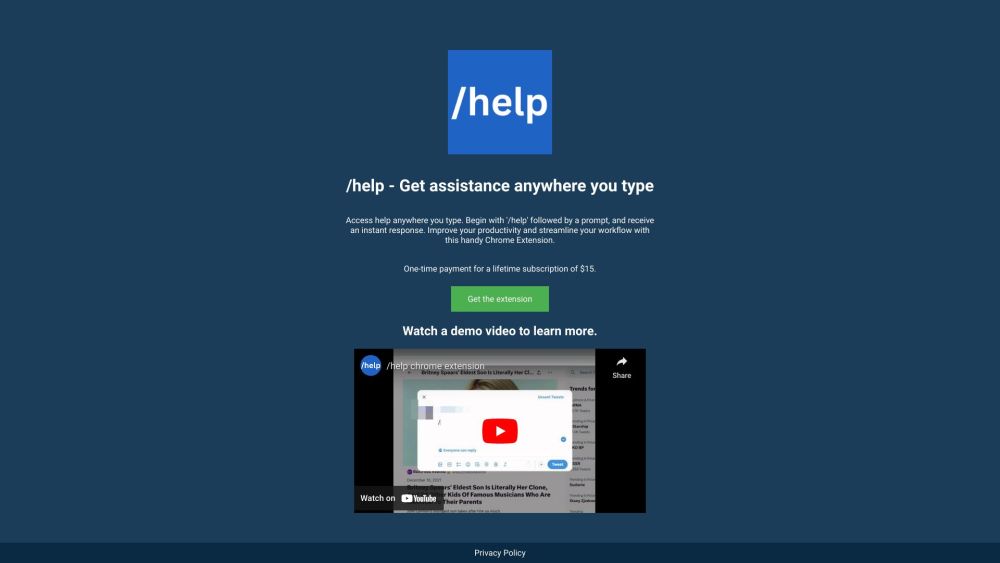
ChatGPT Extension
AI SummarizerThe ChatGPT Extension brings the capabilities of ChatGPT to any text field. After logging into chat.openai.com, simply navigate to any website, type '/help' followed by your prompt, and receive an immediate response to enhance your productivity.

Page not found
A comprehensive directory of AI tools and categories. Our list of AI tools and GPTs is updated daily.
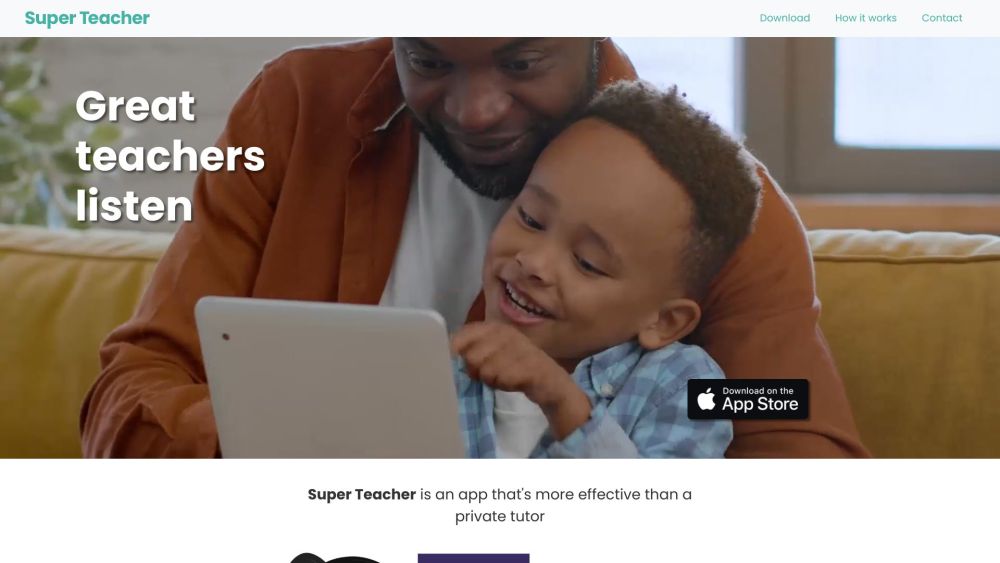
Super Teacher
AI ChatbotSuper Teacher offers unlimited private tutoring for $10 per month, providing an accessible learning solution for all families. The platform uses a conversational teaching style with extensive visuals to cover subjects including reading, math, art, poetry, science, social-emotional skills, and geography. Designed for children aged 3-8, the tool is used by over 15,000 families and has successfully answered millions of student questions.
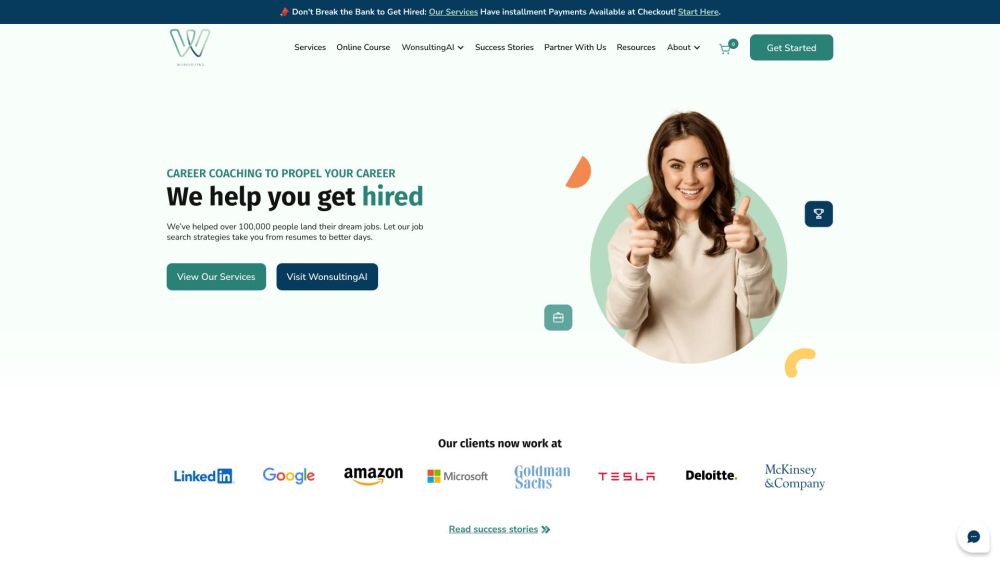
Wonsulting
Large Language Models (LLMs)Wonsulting is a career coaching and AI-powered job search platform designed to assist job seekers from non-traditional backgrounds in securing their ideal roles. The platform provides free resources, AI-driven job search tools, and paid 1-on-1 coaching to help users advance their careers and accelerate the hiring process.
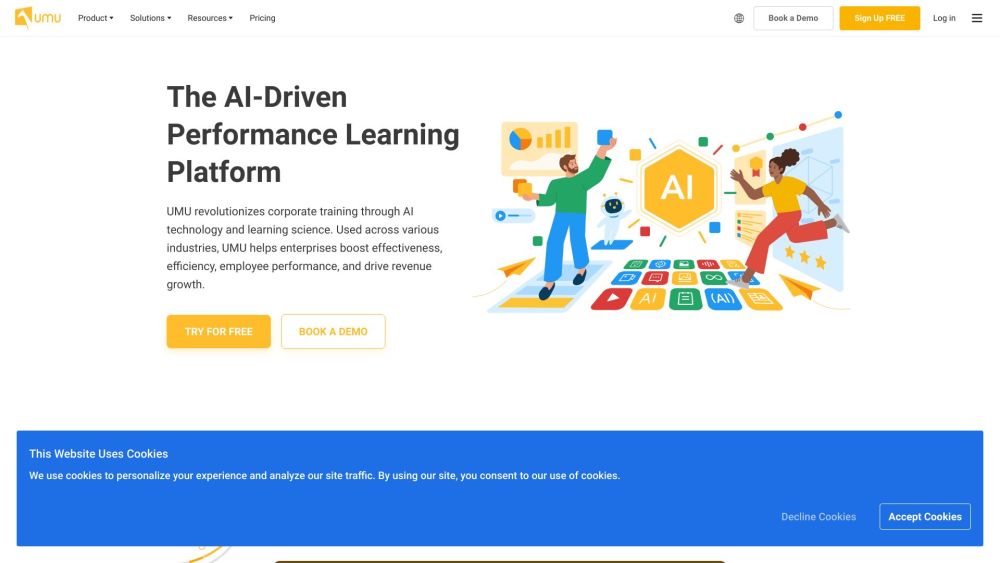
UMU
AI TranscriptionUMU integrates learning science and AI to align corporate training with measurable performance improvements. It enhances the effectiveness and efficiency of training programs for sales teams, distributors, and new hires, supporting goals like increased productivity and revenue growth. The platform provides a unified solution for content creation, knowledge reinforcement, video-based practice, manager coaching, and training management.
InVideo Reviews (0)
Review system coming soon...