Raycast Product Information
What is Raycast?
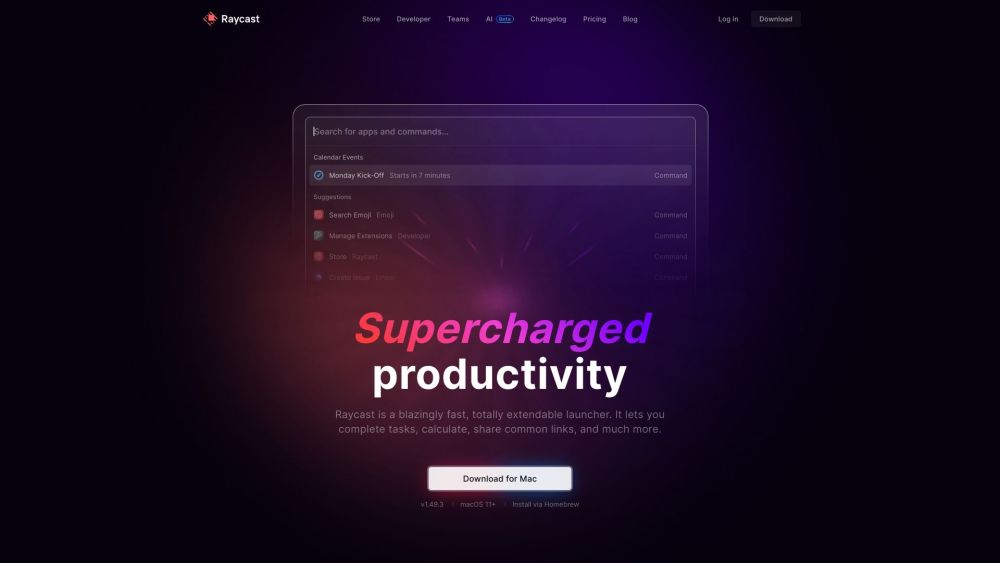
Raycast is a fast, highly extensible launcher. It enables you to complete tasks, perform calculations, share common links, and more. It functions as a collection of powerful productivity tools housed within an extensible launcher, built to be fast, ergonomic, and reliable.
How to use Raycast?
Use the search bar to filter entries and execute commands. Raycast allows you to launch apps, run commands, search for emojis and symbols, manage your clipboard history, find files, define words, perform web searches, manage windows, and much more.
Raycast's Core Features
- Extendable launcher
- Clipboard History
- Quicklinks
- Calculator
- Snippets
- Emoji Picker
- Window Management
- AI integration
- Notes
Raycast Use Cases
- #1Searching for apps and commands
- #2Managing clipboard history
- #3Creating and using quicklinks
- #4Performing calculations
- #5Managing windows
- #6Automating tasks with AI
- #7Taking quick notes
FAQ from Raycast
Why is Raycast free for personal use?
Raycast is free for personal use to ensure it remains an accessible productivity layer for everyone. The free plan includes all built-in extensions and access to the full library of public community-built extensions.
Is it possible to get the Pro plan without AI?
No, all Pro plans include AI features. However, you can disable AI functionality entirely via the Settings menu.
What is free and paid in Raycast AI?
All users receive a limited number of free AI messages to test the service. To continue using AI, you must upgrade to a Pro plan, which includes a 14-day free trial of additional features. Advanced AI models are available as an add-on for Pro subscribers and are not included in the trial.
Is the free Team plan a trial?
No, the free Team plan does not expire. It is a permanent plan, though it is limited to 30 shared snippets, 30 shared quicklinks, and 5 commands across your extensions.
How many seats do I get in a Team plan?
There is no seat limit for your team. You can add users as needed and pay on a per-user, per-month basis.
Can I have personal Extensions and Team Extensions?
Yes, you can maintain personal extensions for your own workflow alongside team extensions shared across your organization. Team extensions are accessible and installable via the Store command under your team's specific filter.
Can I be part of multiple organizations?
Yes, you can join an unlimited number of organizations. It is recommended to use a single email address for all organizations to ensure seamless access to shared snippets, quicklinks, and extensions within the app.
Raycast Pricing
Free
$0
Free plan available.
You Might Also Like
Resume AI
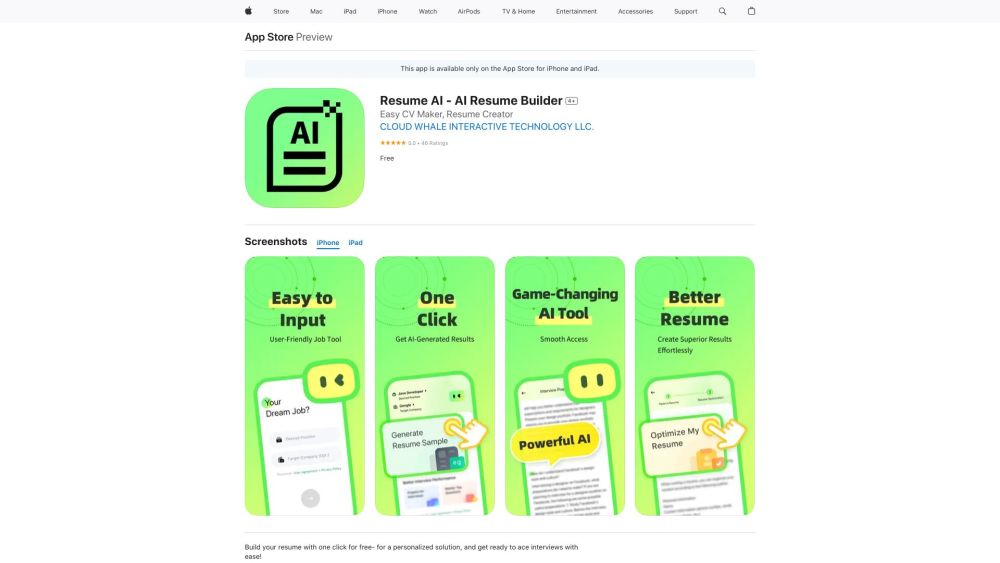
AI Writing AssistantsResume AI is an AI-assisted tool designed to help users build custom resumes and optimize existing ones. It also features mock interview practice to help users master common questions and prepare for potential employers. The application is available for download on the App Store for iPhone and iPad.
Kensho
AI TranscriptionKensho is an AI toolkit built to help users uncover data insights. It provides solutions for speech-to-text transcription, entity recognition, mapping companies to external databases, and extracting data from PDF documents. These tools are designed to automate workflows, enhance data quality, and speed up research.
Animaker
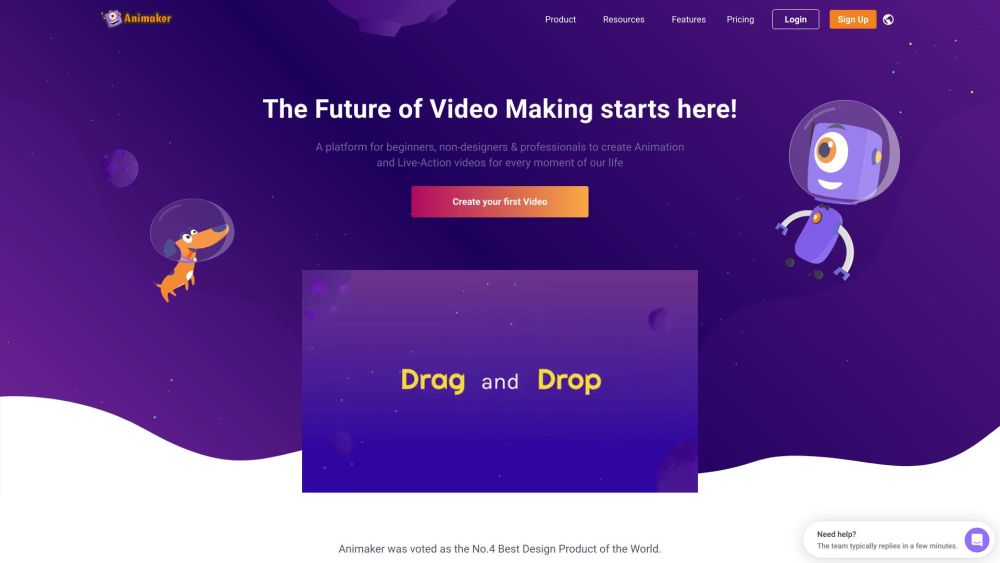
AI CharacterAnimaker is an online AI-powered animation and video creation platform designed to make studio-quality content accessible to everyone. It offers a user-friendly interface that simplifies the video production process, reducing the time and cost required to create high-quality animations. The Animaker ecosystem includes several tools, such as Animaker Create, Picmaker, Vmaker AI, Voice, Subtitle Generator, Steve.ai, and Deck, to support various design and video production requirements.

Propellor
AI ChatbotPropellor is a real-time, cross-channel data platform that integrates marketing, sales, and customer data from over 200 sources to create a unified intelligence hub. It enables businesses to consolidate and activate their data to address various operational challenges.
ScreenApp
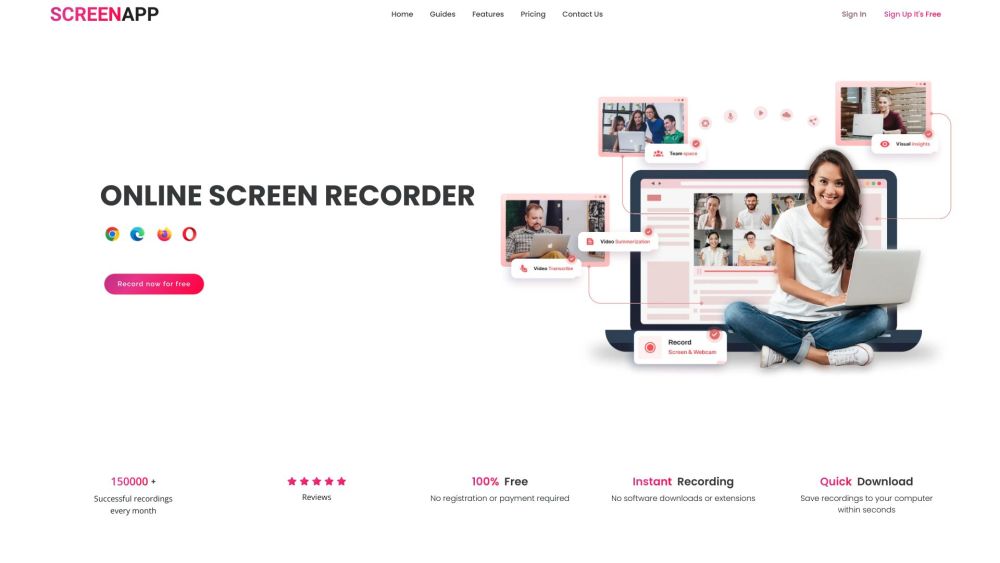
AI TranscriptionScreenApp is an online tool that enables users to record screen, audio, and video content with a single click. By integrating AI, it automatically transcribes, summarizes, and takes notes on your recordings, serving as a practical solution for onboarding, training, and knowledge management.
Reflectr AI Journal
AI Writing AssistantsReflectr AI Journal is an AI-powered journaling app that provides a private space for users to record thoughts and ideas away from the pressures of social media. It features AI-generated tags, comments, mood tracking, emojis, daily summaries, and writing guidance to offer feedback and insights on your entries.

Syncia - Chrome Extension
AI SummarizerSyncia is a browser extension that brings OpenAI's GPT directly to any website. It features a sidebar for ChatGPT interaction and a floating menu that appears when you select text, allowing you to summarize content, correct grammar, and adjust text length on the fly.
Petal
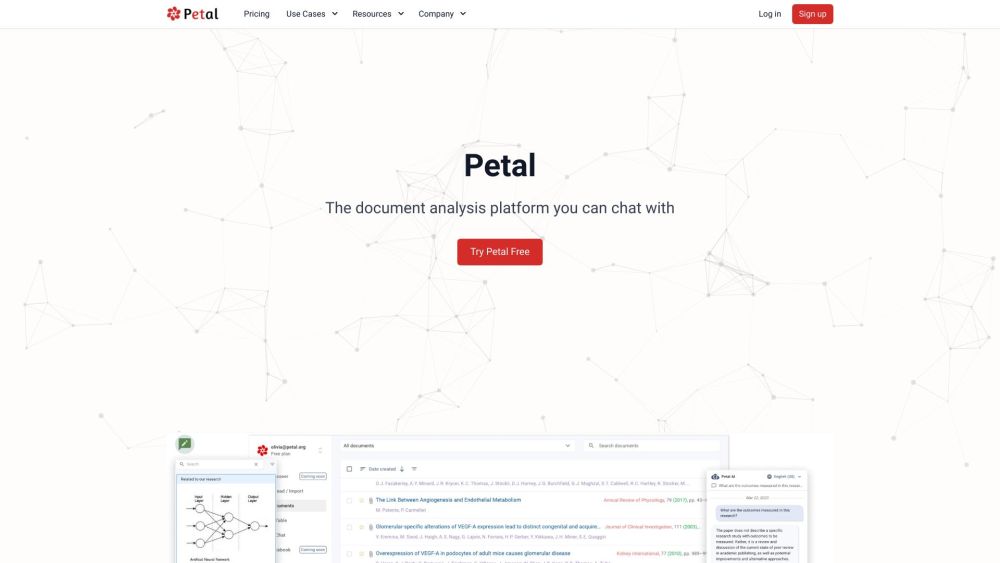
AI SummarizerPetal is an AI-powered document analysis platform that allows users to interact with their documents through chat. It delivers accurate, reliable answers derived from your uploaded files, while also providing tools to summarize, translate, and draft content. Additionally, Petal supports team collaboration via document sharing, annotations, and comments, and features a multi-document AI table for comparing files using natural language.
Raycast Reviews (0)
Review system coming soon...