
superReply Product Information
What is superReply?
superReply is an AI-powered email response generator extension for Gmail and Outlook. It helps users quickly and easily create effective email replies by suggesting personalized responses that match the tone of the original email. The extension aims to improve productivity and save time by automating the email response process.
How to use superReply?
To use superReply, install the Chrome extension and access Outlook or Gmail through your Chrome browser. Open the email you want to respond to and click the superReply icon. The extension will generate three tailored response options. Select the message you prefer, make any necessary adjustments, and hit send.
superReply's Core Features
- AI-powered email response generation
- Tone matching for personalized responses
- Integration with Gmail and Outlook
- Free plan available
superReply Use Cases
- #1Quickly respond to customer inquiries with an appropriate tone.
- #2Generate professional email replies for business communication.
- #3Create casual email responses for personal conversations.
- #4Automate email responses to save time and increase productivity.
FAQ from superReply
How does superReply protect my email privacy and security?
superReply uses advanced technology and security protocols to protect your emails and personal information. We prioritize your privacy and will never share your data without your consent. superReply only accesses the email threads you choose to use it on and does not store any emails or replies on our servers. We use industry-standard encryption to ensure your data remains protected.
Can superReply integrate with my current email provider?
superReply is designed to be compatible with major email providers, including Gmail and Outlook. Integration is straightforward and requires no technical skills, allowing you to optimize your email workflow quickly.
Will I still have to manage my emails with superReply?
Yes. superReply enhances your email experience by offering suggestions and automation, but you retain full control over your communications. You can customize settings to fit your specific needs.
Is there a free version of superReply?
Yes, we offer a free plan that allows you to send up to 3 emails per day. For agencies, freelancers, or teams requiring higher volume, our unlimited plan allows you to respond to as many emails as needed without limitations.
How does your pricing work?
Our pricing starts at $24.99 per month for unlimited emails with no long-term commitment. If you choose our annual plan, the cost is reduced to $10.70 per month.
How quickly can I get customer support?
You can chat with us in-app or send us an email, and our team will respond within 24 hours. We value your feedback and look forward to assisting you.
How can I add superReply to my Outlook?
To use superReply with Outlook, install the extension and access your Outlook account via the Chrome browser.
How can I add superReply to my Gmail?
To use superReply with Gmail, install the extension and access your Gmail account via the Chrome browser.
How do I set up superReply in Outlook?
Setting up superReply is simple. Once the Chrome extension is installed, open Outlook in your browser. Open the email you wish to reply to and click the superReply icon. You will receive three tailored response options; select the one you prefer, make any necessary edits, and hit send.
How do I cancel my subscription?
To cancel your subscription, click the superReply icon in your email, then select the settings icon. Under “Manage Account,” click the “manage” button to cancel your subscription via the Stripe portal. If you need assistance, please email us at shahar@superReply.co.
superReply Pricing
Free
$0
Free plan available.
You Might Also Like

Page not found
A comprehensive directory of AI tools and categories. Our list of AI tools and GPTs is updated daily.

FaceMagic
AI Video GeneratorFaceMagic is an AI-powered face swap application that enables users to replace faces in videos, photos, and GIFs. Users can choose from provided in-app materials or upload their own media for custom swaps, making face-swapping technology accessible through a simple selfie.
Petal
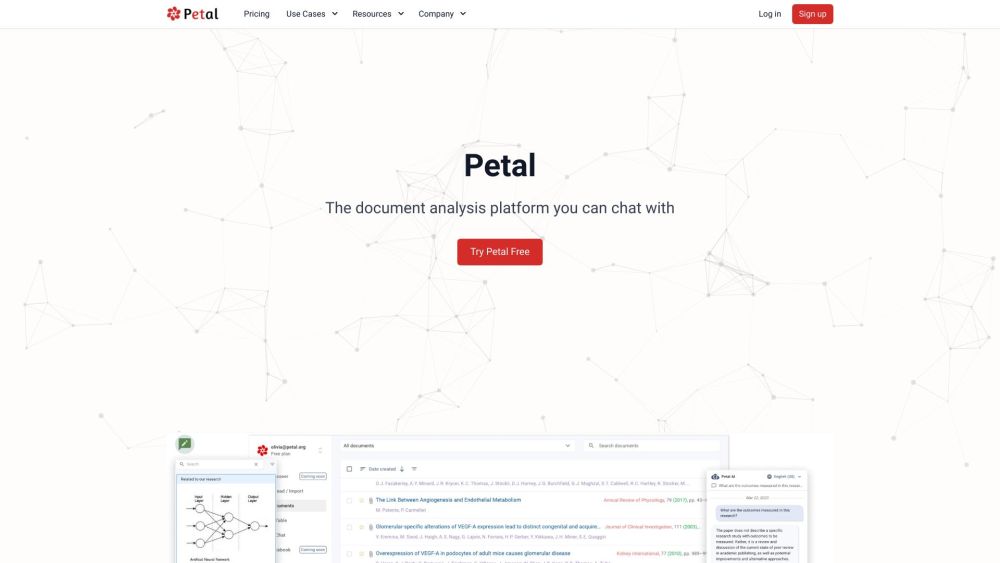
AI SummarizerPetal is an AI-powered document analysis platform that allows users to interact with their documents through chat. It delivers accurate, reliable answers derived from your uploaded files, while also providing tools to summarize, translate, and draft content. Additionally, Petal supports team collaboration via document sharing, annotations, and comments, and features a multi-document AI table for comparing files using natural language.

PluginLab
AI APIPluginLab is a platform built to help developers monitor and monetize ChatGPT plugins. By acting as a proxy between ChatGPT and your plugin's API, it provides essential tools for user management, authentication, payment processing, and usage analytics. PluginLab streamlines the management of ChatGPT plugins, enabling developers to prioritize core functionality.

ScreenApp
AI TranscriptionScreenApp is an online tool that enables users to record screen, audio, and video content with a single click. By integrating AI, it automatically transcribes, summarizes, and takes notes on your recordings, serving as a practical solution for onboarding, training, and knowledge management.

Animaker
AI CharacterAnimaker is an online AI-powered animation and video creation platform designed to make studio-quality content accessible to everyone. It offers a user-friendly interface that simplifies the video production process, reducing the time and cost required to create high-quality animations. The Animaker ecosystem includes several tools, such as Animaker Create, Picmaker, Vmaker AI, Voice, Subtitle Generator, Steve.ai, and Deck, to support various design and video production requirements.

Color Pop
AI DrawingColor Pop is a digital coloring application that provides a realistic coloring experience on your mobile device. It includes an AI-powered tool for generating custom canvas images based on your prompts, allowing users to color their creations and share them with the Color Pop community. The platform offers an accessible and engaging environment for users to color freely and interact with other enthusiasts.
Reflectr AI Journal
AI Writing AssistantsReflectr AI Journal is an AI-powered journaling app that provides a private space for users to record thoughts and ideas away from the pressures of social media. It features AI-generated tags, comments, mood tracking, emojis, daily summaries, and writing guidance to offer feedback and insights on your entries.
superReply Reviews (0)
Review system coming soon...