
writeGPT Product Information
What is writeGPT?
writeGPT is a web extension designed to enhance browsing efficiency and optimize content creation and consumption by facilitating effective prompt writing for OpenAI's GPT models. It allows users to access GPT on any website, enabling them to rewrite, write, reply to emails, code, and research content seamlessly using a keyboard hotkey. The extension focuses on prompt engineering, offering multi-layered customization and suggestions to tailor outputs to specific needs, contexts, goals, audiences
How to use writeGPT?
Install the writeGPT Chrome extension. Once installed, select any content on a website and press Command + E (MacOS) or CTRL + Y (Windows) to activate the extension and begin using its prompt engineering features.
writeGPT Use Cases
- #1Rewriting and repositioning content
- #2Writing and replying to emails automatically
- #3Summarizing articles and content sources
- #4Researching flawlessly
- #5Fixing and reviewing code
- #6Translating on the spot
FAQ from writeGPT
How do you plan to expand the prompt engineering stuff?
We’re on a mission to facilitate effective prompt engineering by enabling multiple layers of personalization that we tested and validated to be worth adding to the extension.
What use cases are writeGPT supporting?
writeGPT supports a vast set of use cases to help professionals become more productive. Some examples include: summarizing any content source, replying to emails, researching faster, rewriting content from competitors or creators you admire, and reviewing code.
What are the differences between writeGPT & ChatGPT?
They use the same OpenAI’s GPT technology. The main differences between the two are regarding the user experience, pricing, and accessibility. writeGPT facilitates effective prompt engineering & writing so that users can customize audiences, personas, styles, nuances, or formats to get the best-fitting output for their needs. Moreover, users can access writeGPT on any website without inter-switching tabs or constantly copy-pasting from one site to another.
How do you open the extension?
The extension is available on any website from the browser. Depending on your operating system, you can activate the extension by selecting any content & pressing: Command + E on MacOS or CTRL + Y on Windows
How does writeGPT ensure data privacy?
writeGPT uses the same security measures as OpenAI which takes privacy and data security very seriously. To comply with privacy laws and regulations, the company has implemented various measures to protect the privacy of users and their data.
Which model/technology does writeGPT uses?
writeGPT uses ChatGPT API. GPT (Generative Pre-trained Transformer) is a language model developed by OpenAI. The GPT model is a state-of-the-art language model that uses deep learning techniques to generate human-like text based on a given prompt.
You Might Also Like
Reflectr AI Journal
AI Writing AssistantsReflectr AI Journal is an AI-powered journaling app that provides a private space for users to record thoughts and ideas away from the pressures of social media. It features AI-generated tags, comments, mood tracking, emojis, daily summaries, and writing guidance to offer feedback and insights on your entries.

Page not found
A comprehensive directory of AI tools and categories. Our list of AI tools and GPTs is updated daily.
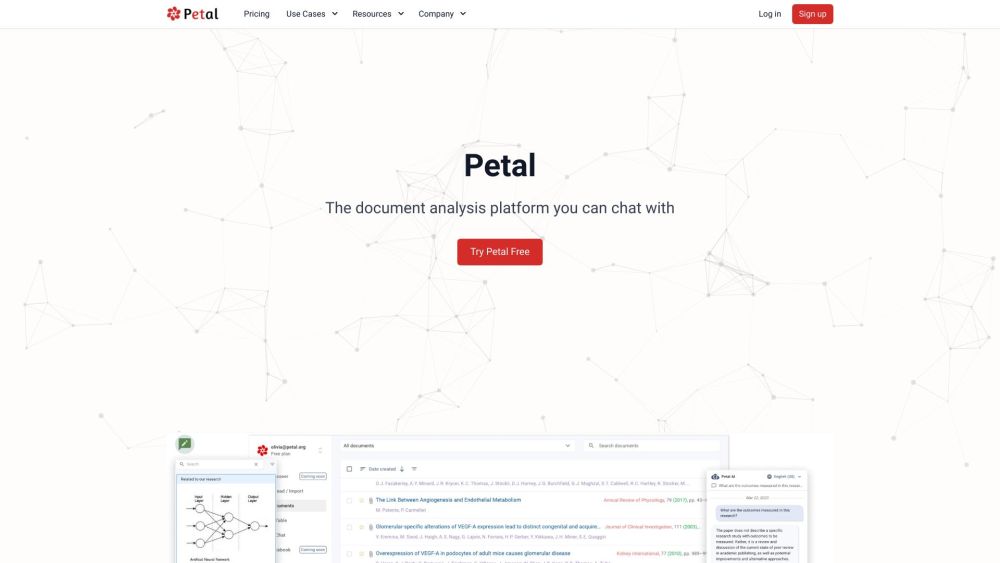
Petal
AI SummarizerPetal is an AI-powered document analysis platform that allows users to interact with their documents through chat. It delivers accurate, reliable answers derived from your uploaded files, while also providing tools to summarize, translate, and draft content. Additionally, Petal supports team collaboration via document sharing, annotations, and comments, and features a multi-document AI table for comparing files using natural language.

4AiPaw by HitPaw
AI Art Generator4AiPaw by HitPaw is an AI art generator application that enables users to produce artwork from text prompts and various art styles. Key features include text-to-art generation, AI cartoon conversion for photos and videos, and tools for adjusting image size and saturation. Designed to be accessible to users of all skill levels, the app supports creative brainstorming, design automation, and the production of commercial artwork.
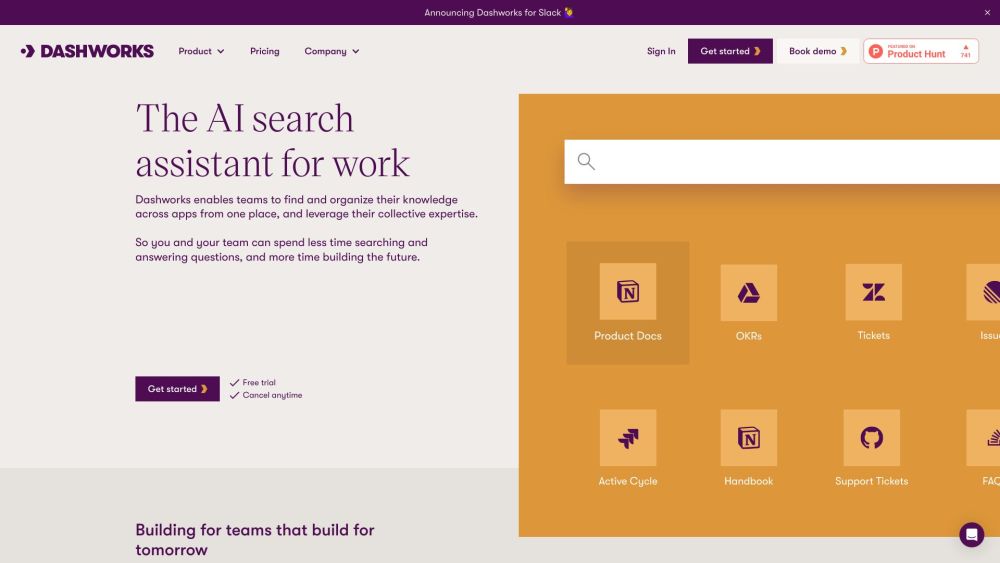
Dashworks
AI ChatbotDashworks helps teams centralize and organize knowledge across all their applications, enabling them to leverage collective expertise. By unifying company data into a single knowledge base, it allows users to ask natural language questions and receive instant, accurate answers. Dashworks provides AI-powered search and automated internal Q&A for organizations ranging from startups to Fortune 500 companies.

Superchat - Delightful AI Chat
AI ChatbotSuperchat is an iPhone application designed to provide an intuitive, secure, and engaging experience for interacting with ChatGPT. Key features include privacy-focused AI chat, unlimited conversation capacity, multi-language support, API key integration, chat history management, and iCloud backup. The app assists with tasks such as drafting emails and planning vacations, while also supporting live weather data and image generation.

Sivi AI
AI Ad GeneratorSivi AI is a multilingual design generator that creates visual assets in minutes using prompts, copy, assets, and brand guidelines. Utilizing a Large Design Model (LDM), it produces ad creatives, social media posts, website and ecommerce banners, email designs, and YouTube thumbnails. The platform supports over 72 languages and includes tools for prompt engineering, content engineering, and advanced colorization.

Syncia - Chrome Extension
AI SummarizerSyncia is a browser extension that brings OpenAI's GPT directly to any website. It features a sidebar for ChatGPT interaction and a floating menu that appears when you select text, allowing you to summarize content, correct grammar, and adjust text length on the fly.
writeGPT Reviews (0)
Review system coming soon...